
Apps
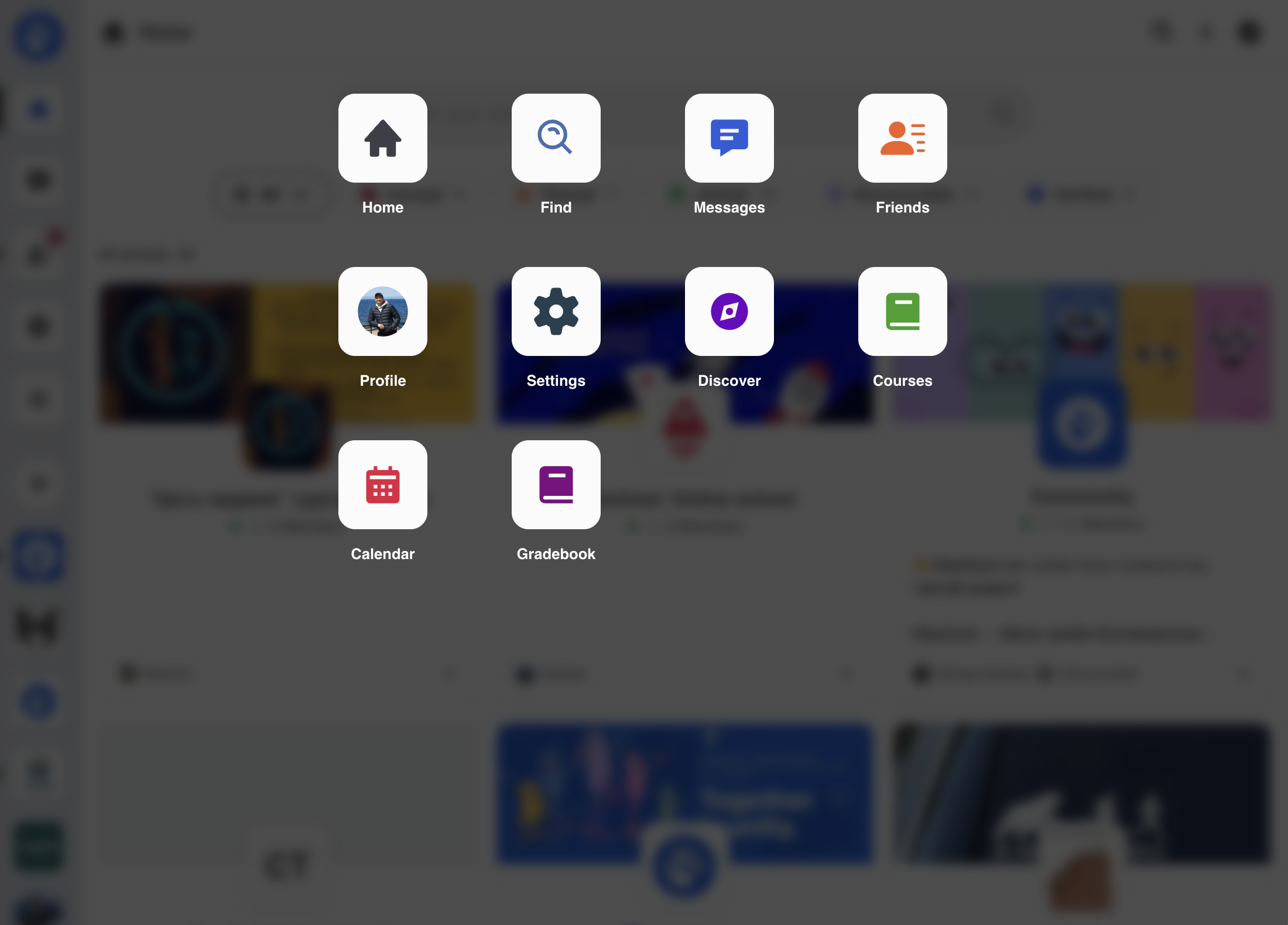
The Apps section in Hischool provides access to all applications available to the currently signed-in user.
It allows you to quickly navigate to any app you have permission to use.
What Are Apps in Hischool?
Section titled “What Are Apps in Hischool?”Hischool is designed as a modular platform that runs mini applications (mini apps) inside a unified system.
Each app focuses on a specific function of the platform, while sharing the same user account, schools, and permissions.
This architecture allows Hischool to remain flexible, scalable, and extendable.
Built-in Apps
Section titled “Built-in Apps”Hischool includes several built-in core applications:
- Home – Your central overview and activity hub
- Schools – Manage and navigate your schools
- Messages – Communicate via direct and group conversations
- Friends – Manage your personal connections
- Find – Search across your connected content
These apps are part of the core system and are available to all users.
How the Apps Menu Works
Section titled “How the Apps Menu Works”When you open the Apps section:
- You will see all apps available to your account.
- Clicking an app navigates you directly to that application.
- App visibility depends on your access permissions.
If your role restricts access to certain apps, they may not appear in your Apps list.
Why the Apps System Matters
Section titled “Why the Apps System Matters”The mini-app architecture allows Hischool to:
- Expand functionality without disrupting the core system
- Integrate future tools and extensions
- Maintain consistent user identity and permissions across apps
- Support embedded or third-party applications (if enabled)
This design ensures long-term scalability and flexibility.