
Sign In to Your Account
To access your schools, groups, and messages, you need to sign in to your Hischool account.
If you do not have an account yet, see Create an Account.
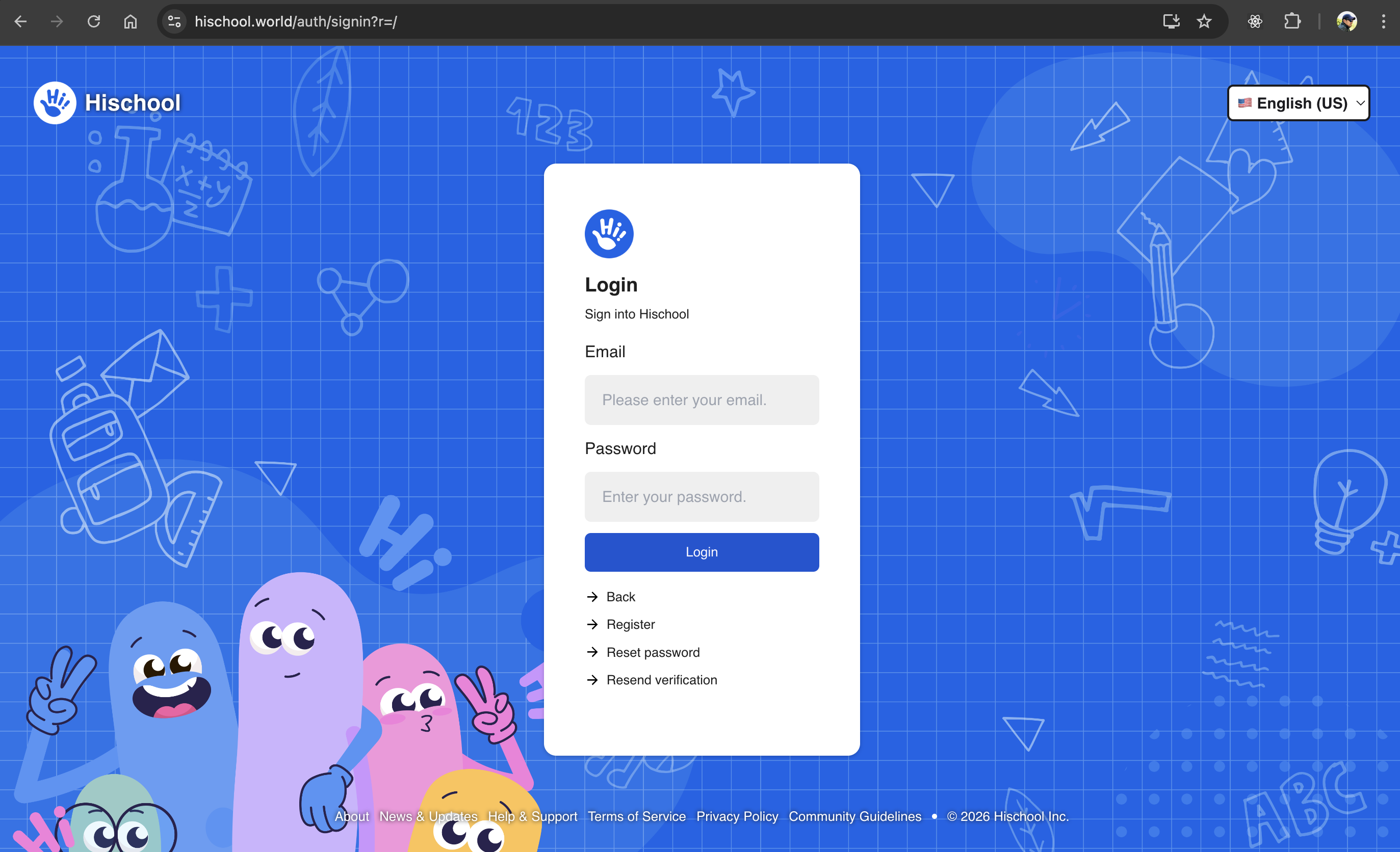
Step 1: Open the Sign-In Page
Section titled “Step 1: Open the Sign-In Page”Visit the official sign-in page:
👉 https://app.hischool.world/auth/signin
Hischool supports sign-in using email address and password only.
Step 2: Enter Your Credentials
Section titled “Step 2: Enter Your Credentials”- Enter your registered email address.
- Enter your password.
- Click Sign In.
If your credentials are correct, you will be automatically redirected to your Home page.
Two-Factor Authentication (If Enabled)
Section titled “Two-Factor Authentication (If Enabled)”If you have enabled Two-Factor Authentication (2FA) on your account:
After entering your email and password,
please complete the verification step by following the on-screen instructions.
This may require entering a verification code sent to your device.
If you are unable to complete verification, please contact your school administrator or support.
Common Sign-In Issues
Section titled “Common Sign-In Issues”Incorrect Email or Password
Section titled “Incorrect Email or Password”- Make sure your email address is entered correctly.
- Check that Caps Lock is turned off.
- Try resetting your password if you are unsure.
See: Reset Your Password
I Forgot My Password
Section titled “I Forgot My Password”Click Forgot Password on the sign-in page and follow the instructions to reset it.
My Account Is Not Verified
Section titled “My Account Is Not Verified”If you see a message that your account is not verified:
- Check your inbox for a verification email.
- Click the verification link.
- Try signing in again.
If you did not receive the email, see:
Verify Your Email Address
My Account Is Locked
Section titled “My Account Is Locked”For security reasons, accounts may be temporarily locked after multiple failed attempts.
Wait a few minutes and try again, or reset your password.
Security Tips
Section titled “Security Tips”To protect your account:
- Use a strong and unique password.
- Avoid signing in on public or shared devices.
- Enable Two-Factor Authentication if available.
- Sign out after using shared computers.
Still Having Trouble?
Section titled “Still Having Trouble?”If you are unable to sign in after following the steps above:
- Reset your password.
- Contact your school administrator.
- Reach out to Hischool support.
You can now continue using Hischool to manage your schools and learning activities.