
Reset Your Password
If you forgot your password or cannot sign in, you can reset it securely using the official password reset page.
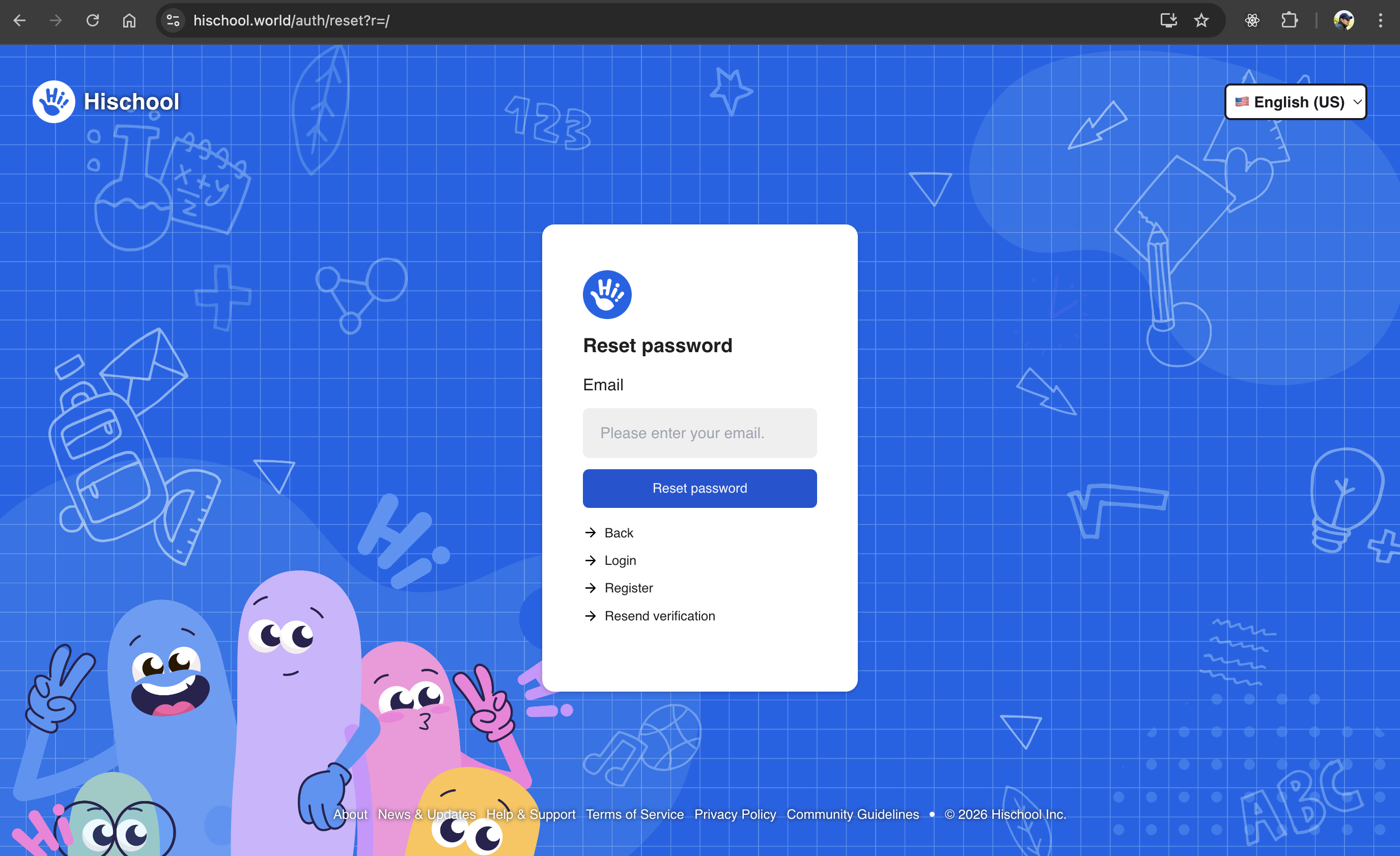
This process allows you to securely create a new password and regain access to your account.
Step 1: Open the Password Reset Page
Section titled “Step 1: Open the Password Reset Page”Visit the official reset page:
👉 https://app.hischool.world/auth/reset
Enter the email address associated with your Hischool account.
Click Send Reset Link.
If the email exists in our system, a password reset link will be sent to your email address.
Step 2: Check Your Email
Section titled “Step 2: Check Your Email”- Open your inbox.
- Look for a password reset email from Hischool.
- Click the Reset Password link inside the email.
If you do not see the email:
- Check your spam or junk folder.
- Wait a few minutes and refresh your inbox.
Step 3: Create a New Password
Section titled “Step 3: Create a New Password”After clicking the reset link, you will see two fields:
- New Password
- Confirm New Password
- Enter your new password.
- Re-enter the same password in the confirmation field.
- Make sure both fields match.
- Click Save or Update Password.
Your password will be updated immediately if it meets the security requirements.
Password Requirements
Section titled “Password Requirements”For security reasons, your new password must:
- Be at least 8 characters long
- Include a mix of:
- Uppercase letters
- Lowercase letters
- Numbers
- Special characters
- Be different from your previous password
- Avoid common words or personal information
Using a password manager is recommended.
Common Issues
Section titled “Common Issues”I Didn’t Receive the Reset Email
Section titled “I Didn’t Receive the Reset Email”- Make sure you entered the correct email address.
- Check your spam or junk folder.
- Try requesting the reset again.
If you still do not receive an email, your account may not be registered with that address.
See: Create an Account
The Reset Link Expired
Section titled “The Reset Link Expired”Password reset links may expire for security reasons.
If your link has expired:
- Return to https://app.hischool.world/auth/reset
- Request a new reset link.
The Reset Link Doesn’t Work
Section titled “The Reset Link Doesn’t Work”Make sure:
- You are clicking the most recent reset email.
- You are not copying the link incorrectly.
- The link has not expired.
After Resetting Your Password
Section titled “After Resetting Your Password”Once your password is successfully updated:
- Go to the sign-in page.
- Enter your email and new password.
- Click Sign In.
Security Tips
Section titled “Security Tips”To keep your account secure:
- Do not share your password with others.
- Avoid using the same password across multiple websites.
- Enable Two-Factor Authentication if available.
- Update your password periodically.
If you continue to experience issues, contact your school administrator or Hischool support.