
Create a School
A School is the core unit of Hischool.
It is a virtual workspace designed for learning, collaboration, communication, and organized activities.
All groups, members, roles, and educational activities exist inside a school.
Who Can Create a School?
Section titled “Who Can Create a School?”Any signed-in user can create a school.
There are no restrictions unless your account is limited by system-level policies.
Ways to Create a School
Section titled “Ways to Create a School”You can create a school in three different ways:
Option 1: From the Home Page (+ Button)
Section titled “Option 1: From the Home Page (+ Button)”- Go to your Home page.
- Click the + button in the top-right corner.
- From the context menu, select Create School.
Option 2: From the Navigation Bar
Section titled “Option 2: From the Navigation Bar”- Click + Create or Join in the navigation bar.
- Select Create School.
Option 3: Direct Link
Section titled “Option 3: Direct Link”You can also visit the direct URL:
👉 https://app.hischool.world/schools/new
Creating the School
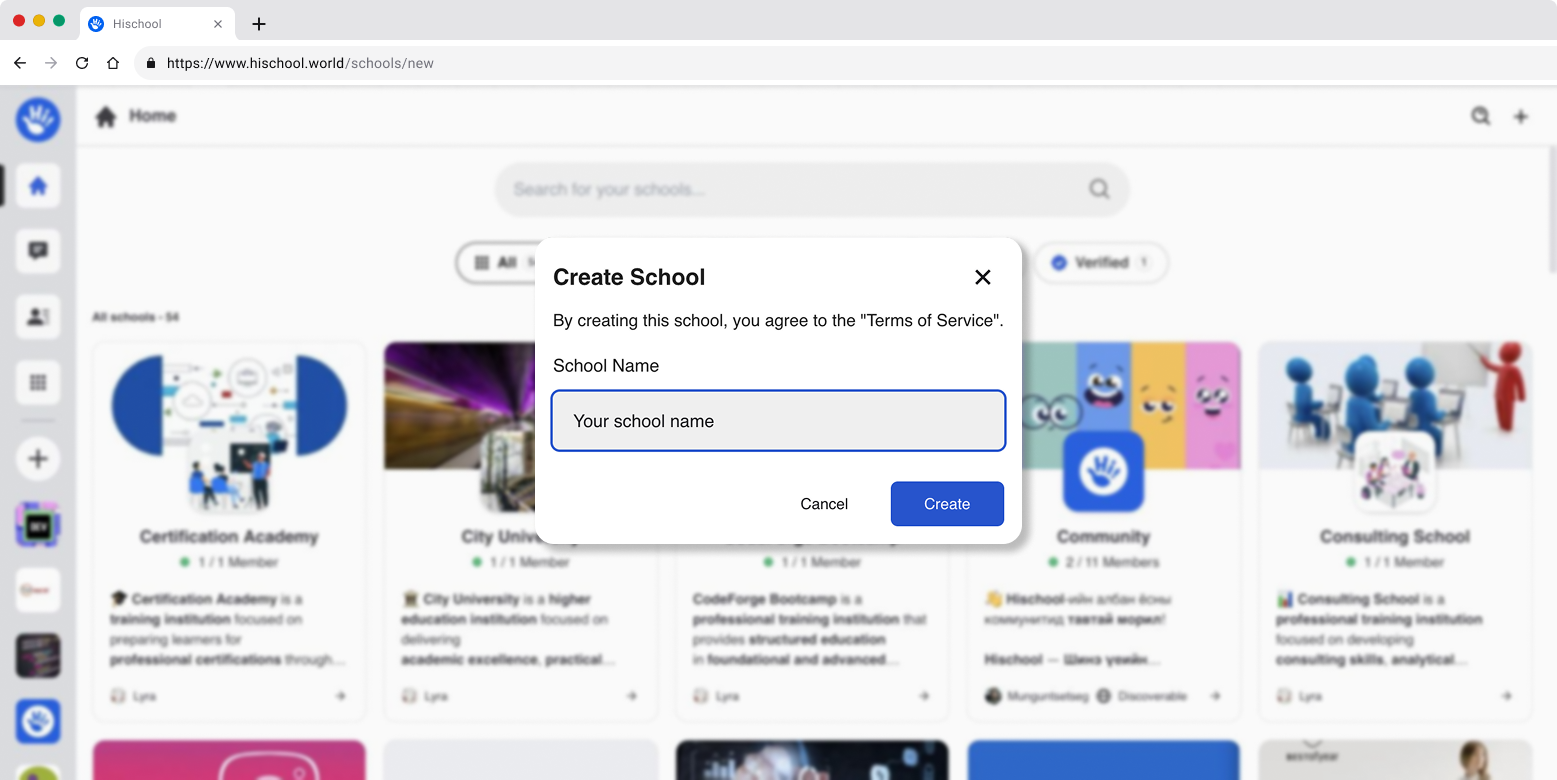
Section titled “Creating the School”In the create school window:
- Enter your School Name.
- Click Create.
Your new school will be created instantly.
You will automatically become the School Owner / Admin of that school.
What Is a School Used For?
Section titled “What Is a School Used For?”Inside a school, you can:
- Organize members
- Create groups
- Assign roles and permissions
- Conduct learning activities
- Manage collaboration
- Configure governance and moderation
After Creating a School
Section titled “After Creating a School”Once your school is created, you can continue with:
- Creating groups
- Inviting members
- Setting up roles and permissions
- Customizing school settings
For detailed management instructions, visit:
Important Notes
Section titled “Important Notes”- A school name should be clear and recognizable.
- You can manage advanced settings later in the School Management section.
- Only trusted members should be given administrative access.
You are now ready to start building your collaborative learning environment inside Hischool.